 WISH
WISH
A card game made of your imagination
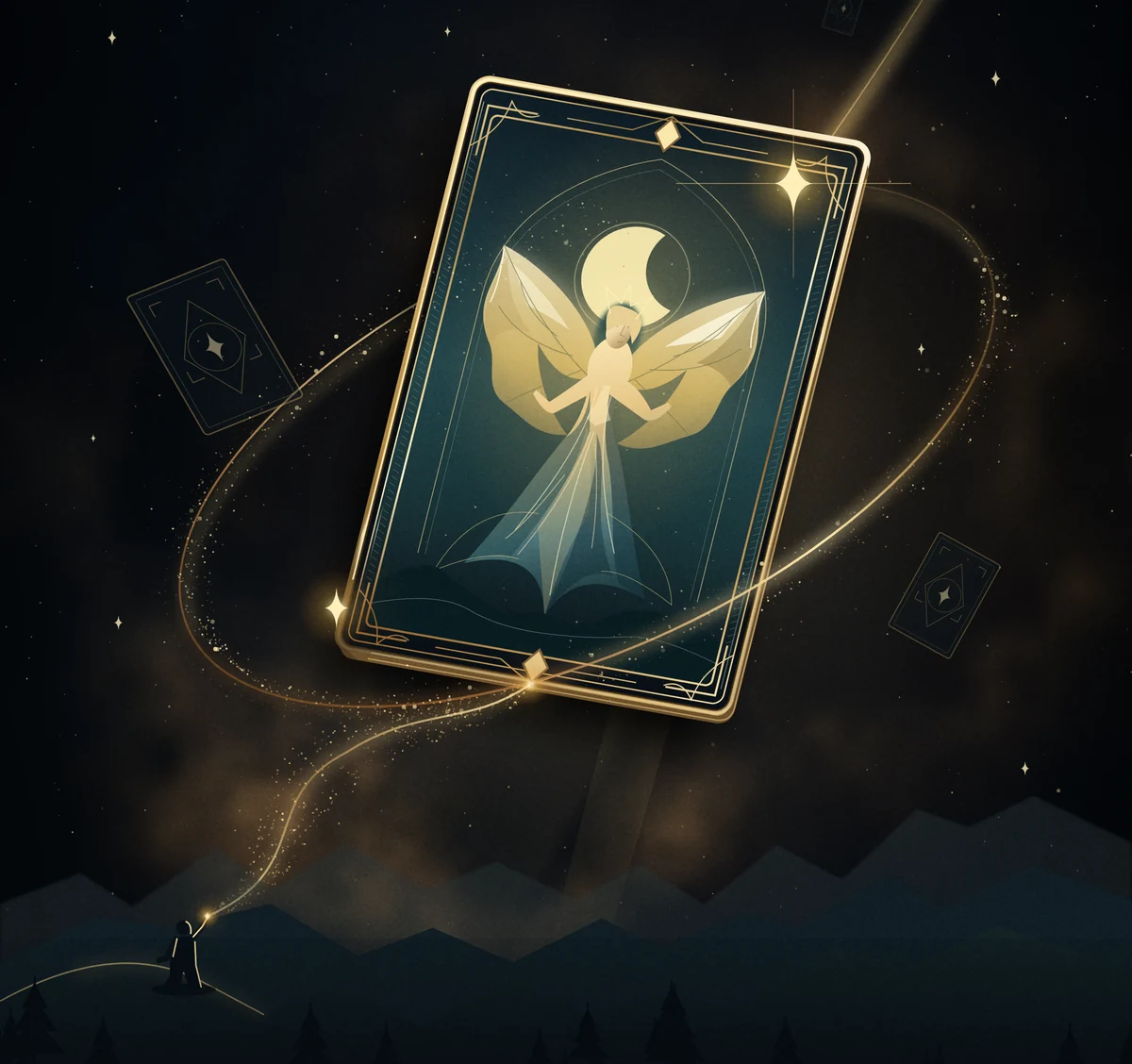
Every card
begins as a wish.
Dream up a creature. Give it a little magic.
Then play the card you just imagined.
Mac download for Apple silicon. Free to play.Windows, Android and iPhone coming soon.
From a thought to your hand
A little imagination.
A real card game.
No need to know every rule. Bring an idea, and let the magic take shape.
-
01
Make a wish
Describe the card in your imagination. Or pick a theme and let Wish make your whole deck in one go.
-
02
The judge shapes it
An AI judge turns your words into a playable card and gives your wish a fair cost.
-
03
Play your friends
Bring your deck to a one-on-one match. Challenge a friend, or learn the ropes with the practice bot.
What will you wish for?
Old stories. New possibilities.
A forest full of Filipino folklore. A sky full of dragons.
Your
next deck starts wherever your mind wanders.
Moonlit Diwata
Creature · Folklore
A little moonlight.
A little kindness.
A diwata who protects her friends with moonlight.
Mischievous Tikbalang
Creature · Folklore
Every forest path
has a trick up its sleeve.
A playful tikbalang who leads rivals astray.
Midnight Aswang
Creature · Folklore
Some stories wake
when the sun goes down.
An aswang who grows brave after dark.
Illustrative wishes. The judge shapes each card’s final abilities.
Our fair-play promise
Your imagination.
Not your wallet.
Wishes are earned by playing. Never bought. Everyone starts with 10 wishes to build a deck and join the fun.
Money only buys cosmetic looks. Not stronger cards. Not a better chance of winning.
Is Wish free to play?
Yes. You get 10 wishes to make your first 30-card deck, and you earn more by playing. Wishes are never sold. Optional purchases are for cosmetic looks only.
Which devices can I play on?
Play in your browser, or download Wish for a Mac with Apple silicon (M1 or later). Native Windows, Android and iPhone apps are coming soon. You’ll need an internet connection to play.
Is it safe for kids?
Wish is made for imaginative play with friends and family, but AI-created content can be unpredictable. Players under 13 should use a parent’s account with their permission and supervision. Don’t put real names, school details or other private information in wishes. See our guidance for families and report anything concerning.
Why does my Mac warn me?
The Mac app is unsigned, so macOS cannot verify its developer. If you trust your download from this site, right-click Wish and choose Open the first time. On newer macOS versions, you may need System Settings → Privacy & Security → Open Anyway after trying to open it. Don’t bypass a malware warning. You can always play in your browser instead. Mac help.
There’s a card only you can imagine.
Let’s see what it becomes.
Make your first wish